Name the subject
Write the main object or scene first. Add its setting and the action, if any, before describing decorative details.
Imagegen helps you turn a written idea into a visual starting point. Describe the subject, setting, style, and composition, then inspect the image to see which details came through.

The starting material changes what you can control: text describes an intended scene, while a reference image supplies visible structure.
Start with a reference picture when an existing layout matters more than a written description.
See how specific descriptions communicate subject, lighting, and composition.
Follow a practical sequence from drafting a prompt to reviewing its output.
Turning words into pixels requires interpretation. A text-only prompt does not supply the exact visual information present in a photograph or sketch.
A sentence can request a red cup beside a notebook without fixing their positions to the pixel.
WorkaroundSpecify foreground, background, left, and right; revise the prompt after checking the result.
Generated signs, labels, and other small text may be incorrect or unreadable.
WorkaroundAsk for a clean area and add essential copy separately in an editor.
A text description cannot preserve every feature of an existing object or composition.
WorkaroundUse a reference-image workflow when visual continuity is the priority.
A useful prompt describes what should appear, not just the mood you hope to get.
Write the main object or scene first. Add its setting and the action, if any, before describing decorative details.
Choose a viewpoint, lighting condition, and medium such as an editorial photograph or flat illustration. Mention only details you can check afterward.
Send the description, inspect the result, and change one unclear instruction at a time. Imagegen is most useful when each revision answers a visible problem.
Start from text
A written scene description
Start from an image
An existing picture or visual reference
Start from text
Interpreted from words
Start from an image
Guided by visible shapes and layout
Start from text
A new idea without a reference
Start from an image
A scene or object you want to adapt
Start from text
Describe a palette in the prompt
Start from an image
Point to colors already present
Start from text
Ambiguous wording
Start from an image
Which reference details will be retained
Start from text
Does the image match the description?
Start from an image
Does it preserve the intended reference?
Compare the result with your actual prompt, not just with your initial impression. Check the subject first, then composition, lighting, and any details that matter to the final use.
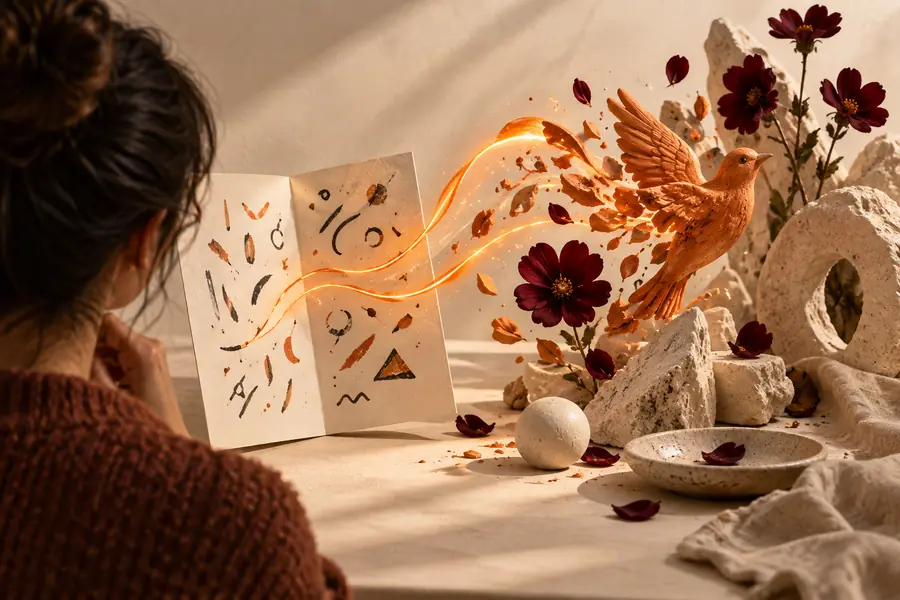
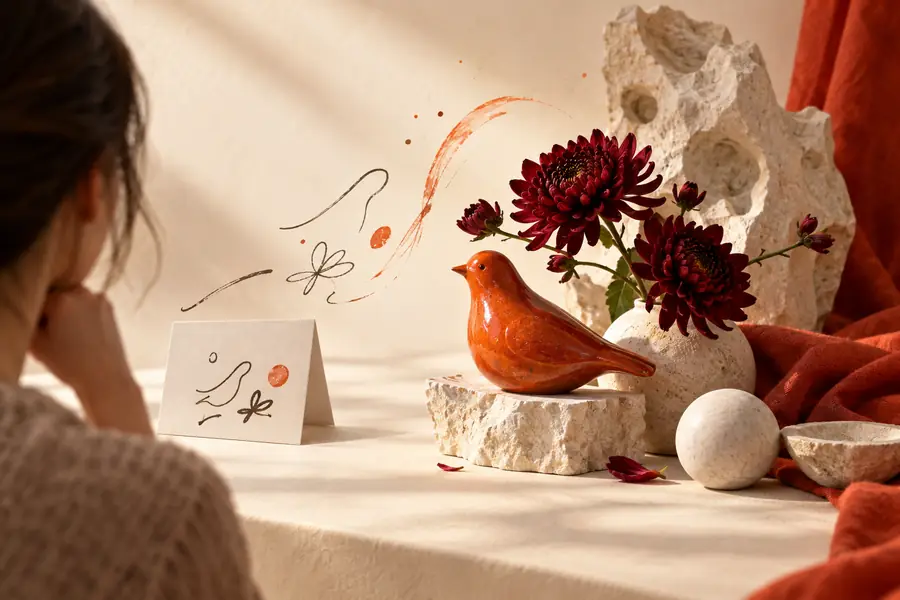
These images illustrate the workflow; the example output is not presented as a verified result of the prompt shown above.
Text-first creation works well for exploration, but some tasks call for a reference or a more deliberate prompt.
Explore several interpretations of a scene before committing to a composition.
Use prompt examples to make each variation deliberate rather than changing many details at once.
image generation prompt examplesAdapt the look of an existing product shot while keeping its recognizable features.
Consider a reference-led approach instead of trying to reconstruct the product entirely from text.
ai image generator from imageTurn a rough concept into an image and decide what to revise next.
Follow a simple drafting and review process before adding more style instructions.
How to do image generation?Start with a specific subject and setting, then let Imagegen produce something you can evaluate. If the image misses a detail, revise that instruction rather than rewriting the entire prompt.
Begin with a subject, setting, and visual style. Add composition or lighting when those details matter, then check the output before making the prompt longer.
A description leaves many visual choices open to interpretation, so it is not a reliable way to reproduce a particular photo exactly. If the original layout or object details matter, start with the image as a reference.
Some instructions compete or are too vague to verify visually. Identify the missing detail, state it more plainly, and try changing that instruction without adding unrelated requests.
You can describe where lettering belongs, but small text and exact logos may not render reliably. Leave space for essential words or brand marks and add them afterward with an editing tool.