The basics

What is image generation? How pictures are made from prompts

What is image generation? It is the creation of a new picture from instructions, usually written text and sometimes a reference image. Imagegen lets you explore this process: describe a scene, generate a visual, then revise the description to change the result.

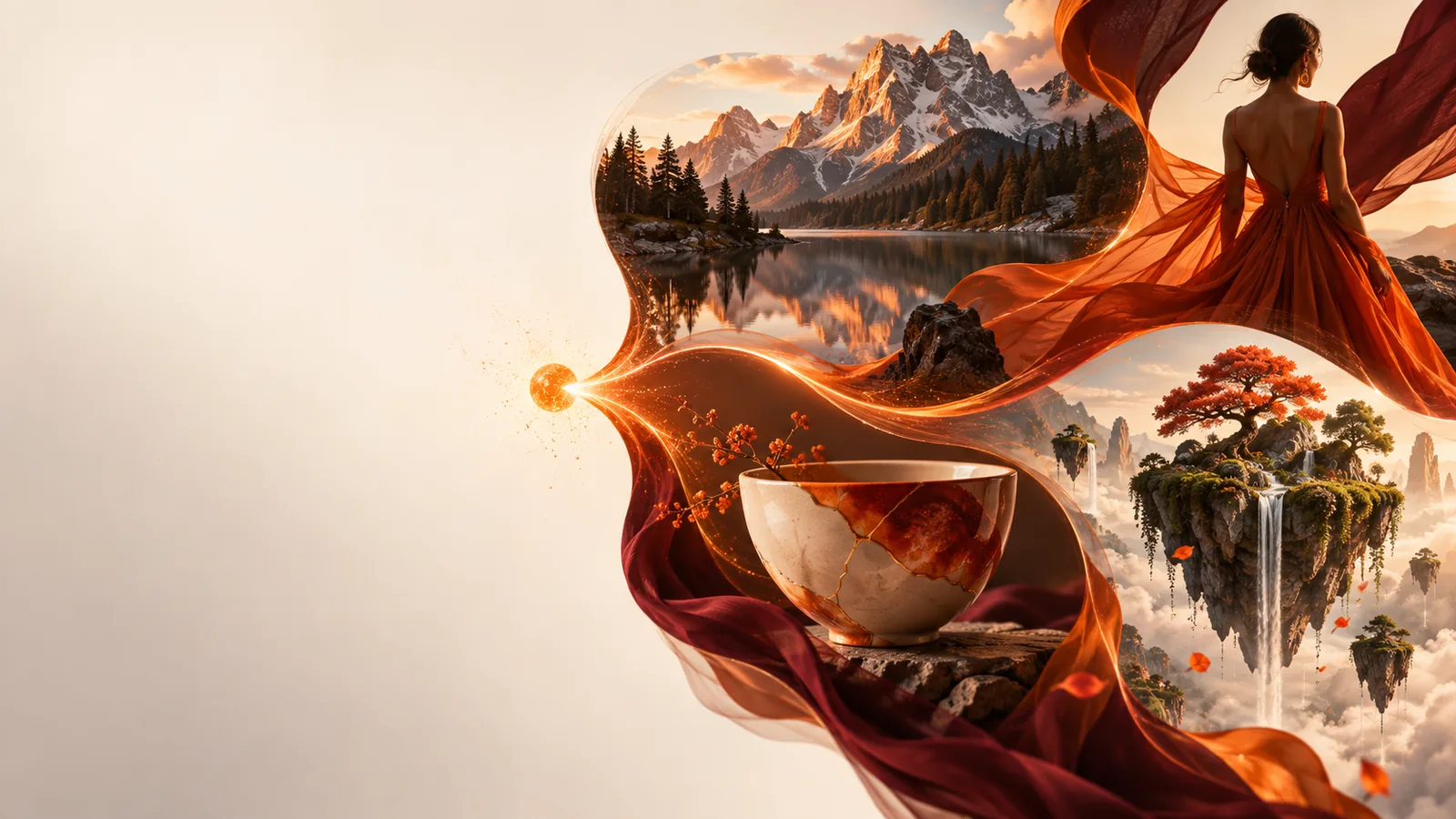
Example of a visual created from an image prompt

How it works

Image generation turns instructions into visual choices. You do not need to draw each element, but you do need to say which details matter.

Describe the intended picture

Write a prompt naming the subject, setting, lighting and style. For example, a ceramic mug on a rainy café windowsill gives the model more direction than simply asking for a mug. If you provide a reference image, specify what to keep and what to change.

The model creates an interpretation

An AI model uses patterns learned during training to build a new arrangement of shapes, colours and details. It does not retrieve a finished photograph of your exact scene. The result reflects the instructions, but ambiguous words leave room for unexpected choices.

Review and revise

Check whether the important objects, layout and mood are present. Then adjust the prompt: replace vague adjectives with visible details, remove conflicting requests, or state what should stay unchanged. Image generation is often an iterative process rather than a single perfect result.
What it can and cannot do

A generated picture can be useful for exploration, but it should not be treated as automatic proof, precise design work or a substitute for permission.

What image generation can help with What still needs checking
1

New concepts

What image generation can help with

Produce visual directions for an illustration, mood board or campaign idea.

What still needs checking

Check that the result fits the brief before presenting it as a finished concept.

2

Style

What image generation can help with

Interpret requests for lighting, colour palette, camera angle and broad artistic qualities.

What still needs checking

Expect variation between attempts, even when the prompt stays similar.

3

Composition

What image generation can help with

Place a subject in a described setting and suggest a plausible layout.

What still needs checking

Inspect object counts, spatial relationships and small background details.

4

Text inside pictures

What image generation can help with

Suggest the look of a sign, label or poster within a scene.

What still needs checking

Read every word carefully; use a graphics editor when lettering must be exact.

5

Real-world accuracy

What image generation can help with

Illustrate a hypothetical place, event or product concept.

What still needs checking

Do not use the picture alone as evidence that a real event happened or an item exists.

6

Reference images

What image generation can help with

Use an image as visual direction for a new variation.

What still needs checking

Do not assume the output preserves identities, fine details or rights to the source.

7

Repeatability

What image generation can help with

Generate alternatives quickly when exploring an idea.

What still needs checking

Do not expect identical outputs from the same instructions every time.

Who uses it

Turn an idea into a visual draft

Writers use image generation to picture a setting before describing it. Educators make illustrative scenes for lessons; designers explore compositions before refining them by hand; and small teams test visual directions before a photo shoot. Personal projects benefit too: a specific prompt can help you explore a room layout, a story character or a poster mood. In each case, treat the output as a draft to review, not an automatically accurate record or finished asset. Ready to see how your own description translates into a picture?

  • Describe one clear subject and setting
  • Review important details in the result
  • Revise the prompt to explore alternatives

Frequently asked questions

Image generation is the process of making a new picture from an input such as a text prompt or reference image. In AI-based tools, a trained model interprets that input and produces visual content. The result is generated, not a photograph taken of the described scene.

A model interprets words about subjects, relationships and appearance, then constructs a picture consistent with those instructions. More specific descriptions can give it clearer direction, but they cannot guarantee every detail. Reviewing and revising the output remains part of the process.

No. A generated scene may look photographic without depicting something that actually happened. If factual accuracy matters, verify the subject through an independent source rather than relying on how convincing the image looks.

Start with a subject, a setting and a few visible details, such as lighting or viewpoint. For instance, describe where an object sits and what surrounds it instead of asking only for something beautiful. Add constraints after you see what the first image gets right or wrong.

Create an image
Create an image