Extract the decision
Pull out the final concept rather than pasting a long conversation. Name the main subject, its surroundings, the intended mood, and who will see the image.
Chat to visual
A conversation can clarify what you want, but the image still needs a visual brief. Imagegen helps you turn that brief into a prompt you can test, inspect, and revise without losing the original intent.
Most people already have a working idea before they open an image tool. The useful handoff is the visual brief, not the entire chat transcript.
See how concrete subjects, settings, and visual constraints fit into a prompt.
Explore the text-first route when your starting point is a written description.
Use a reference-image workflow when describing the look in words is not enough.
Imagegen is a place to test the visual direction you developed in chat. It does not carry your conversation into the image automatically.
Imagegen cannot see decisions buried in a separate ChatGPT conversation, including discarded ideas and late changes.
WorkaroundCopy a short final brief containing the subject, setting, style, framing, and must-avoid details.
Generated signs, labels, and small typography may not match the exact wording in your brief.
WorkaroundKeep lettering out of the prompt when possible, then add essential copy in a design editor.
A prompt describes a direction; it does not lock every object, pose, or layout into place.
WorkaroundInspect the first result and revise one or two specific visual details at a time.
A concise handoff makes it easier to see whether the generated image answers the idea you agreed on in chat.
Pull out the final concept rather than pasting a long conversation. Name the main subject, its surroundings, the intended mood, and who will see the image.
Replace abstract goals such as welcoming or premium with visible choices: warm interior light, uncluttered surfaces, a close crop, or a muted color palette.
Submit the prompt and check the result against your brief. If the composition works but one detail fails, change that detail instead of rewriting everything.
The change to look for is a move from a broad visual direction to an image with a subject, setting, and composition you can assess.
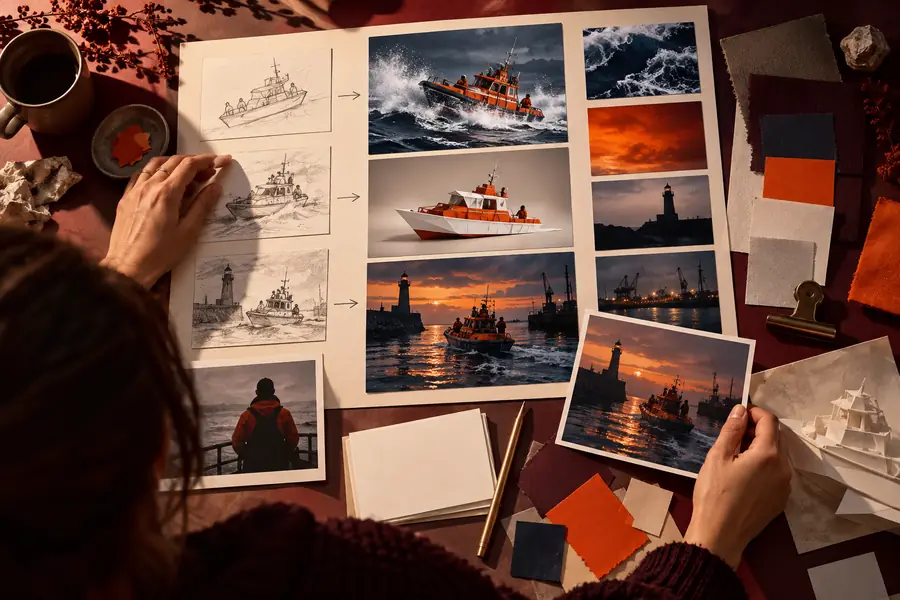
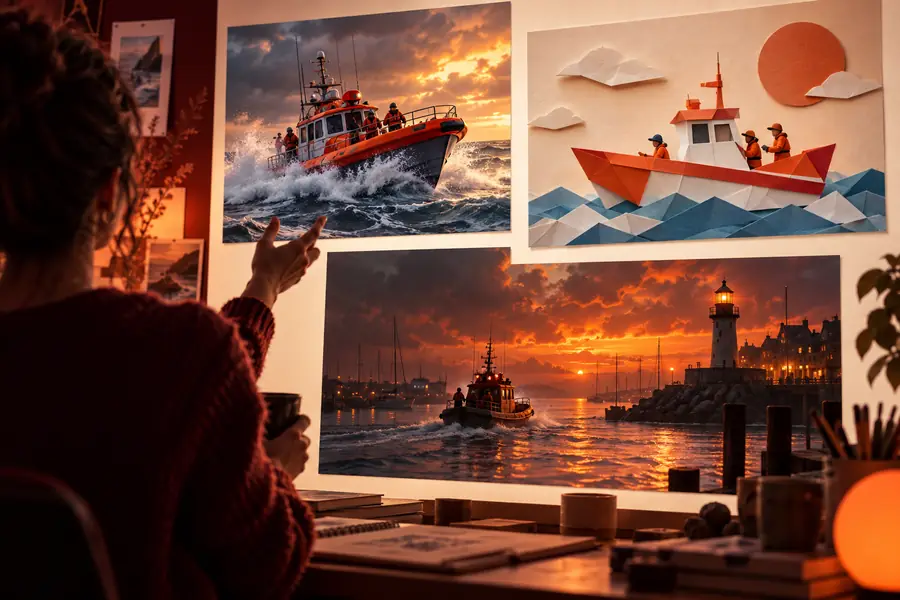
These are illustrative images, not a documented input-and-output pair. Judge your own result against the brief you submitted.
Chat planning and image generation produce different deliverables. Keeping them separate makes revisions more precise.
Chat brief
A written concept and decisions
Imagegen prompt and result
An image prompted by a visual description
Chat brief
Audience, purpose, constraints, and references
Imagegen prompt and result
Subject, setting, framing, lighting, and style
Chat brief
Why a direction was chosen
Imagegen prompt and result
What must be visible in the frame
Chat brief
Words such as bold or inviting
Imagegen prompt and result
How those words should look on screen
Chat brief
Does the concept fit the task?
Imagegen prompt and result
Does the image reflect the concept?
Chat brief
Clarify the brief or change direction
Imagegen prompt and result
Adjust a visible detail and generate again
Chat brief
A concise, approved visual brief
Imagegen prompt and result
An image to review, edit, or place in a layout
Different projects need different details in the prompt. These examples show what to carry over from planning and what to check in the image.
A chat has established the audience and mood for a seaside campaign, but the visual direction is still broad.
Specify the focal subject, time of day, palette, and space for later copy; check whether the composition leaves that space.
image generation prompt examplesA story scene is clear in prose, yet its location and viewpoint have not been translated into visible terms.
Describe the character, environment, lighting, and camera position; review whether the image supports the scene rather than retelling it.
ai image generator from text freeA reference establishes a useful composition, while the new project needs a different subject and color treatment.
Decide which qualities belong to the reference and which must change before testing a reference-led workflow.
ai image generator from imageThe idea exists as a long chat exchange with conflicting suggestions and no settled visual description.
Reduce it to a single brief, then follow a repeatable generate-and-review process instead of pasting the whole exchange.
How to do image generation?Take the final visual decisions from your conversation, write them as a prompt, and inspect the image against those decisions. Imagegen helps with that testing step; keep your chat brief nearby so the next revision stays grounded in what you meant to make.
Finish the concept in your chat, then copy its final visual decisions into an Imagegen prompt. Include what should appear in the frame rather than the discussion that led to it. Review the resulting image against that short brief.
No. Treat them as separate steps and transfer the relevant details yourself. A compact brief is easier to test than a full transcript with revisions and conflicting suggestions.
Ask for a visual brief that names the subject, setting, composition, lighting, and style. Remove instructions that are not visible in an image, and check that the brief reflects your final decision rather than an early suggestion.
Some intentions, such as trustworthy or energetic, leave the visual choices open. Translate those intentions into observable details and try again. If most of the image works, change the failed detail without replacing the whole prompt.
Use text when the subject and scene can be described clearly. A reference may help when a particular composition or look is difficult to explain. In either case, check that you have permission to use material you provide as a reference.