Make the brief reusable
Name the subject, setting, visual style, composition, and any essential exclusions. Save that brief so the next image starts from a known point.
A practical workflow
The imagegen skill is a way to work with Imagegen, not a separate feature to install. Start with a specific visual brief, inspect the result, and make deliberate changes instead of rewriting everything at once.
Set expectations
A skill-based approach gives you a method for prompting. It does not add a new model or make every result predictable.
Even a carefully written brief may produce an unexpected pose, object, or composition.
WorkaroundKeep the parts that worked, then revise one specific instruction for the next attempt.
Generated details such as product markings, anatomy, and written text may be inaccurate.
WorkaroundInspect important details yourself and correct them before using the image.
A prompt does not grant rights to use someone else's photograph, logo, or recognizable likeness.
WorkaroundUse material you have permission to reference and check the intended use.
Capability split
Ordinary generation produces an image from a prompt. A repeatable method also helps you understand and reuse the decisions behind it.
Name the subject, setting, visual style, composition, and any essential exclusions. Save that brief so the next image starts from a known point.
Adjust only the lighting, camera angle, palette, or another chosen detail. Comparing focused variations makes it easier to see what a prompt change accomplished.
Keep the wording and output you prefer together. This gives you a useful starting pattern for a related scene, though it will not reproduce pixels exactly.
Choose a starting point
Write one concrete scene in the prompt box above. If you need a different input method or more wording ideas, these related guides cover those specific tasks.
Start with a written description and learn which scene details to specify first.
Explore image-led prompting when an existing visual is a better starting reference.
See concrete prompt structures you can adapt to your own subject and style.
Visual thinking
These images illustrate the difference between exploring an idea and selecting a direction; they are not a verified edit of the same source image.
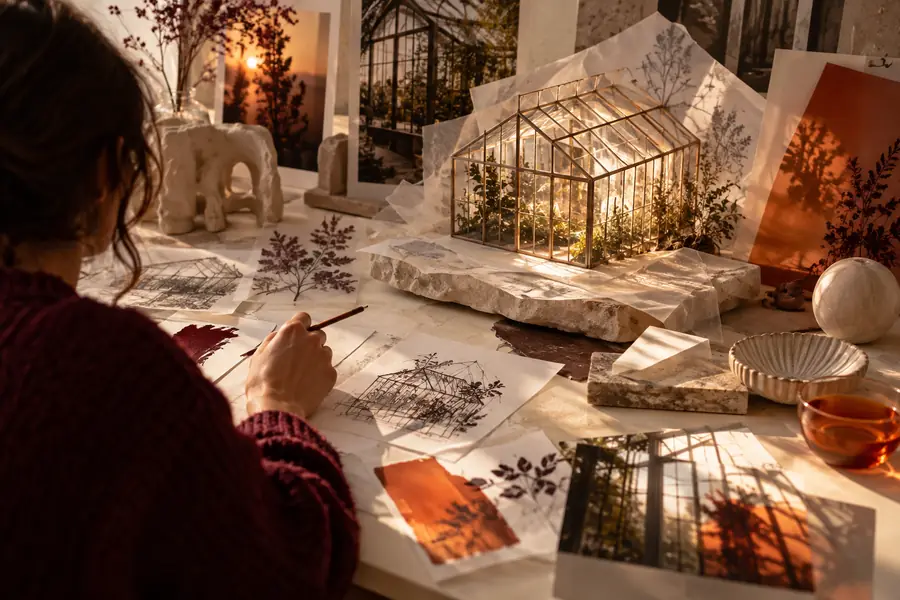
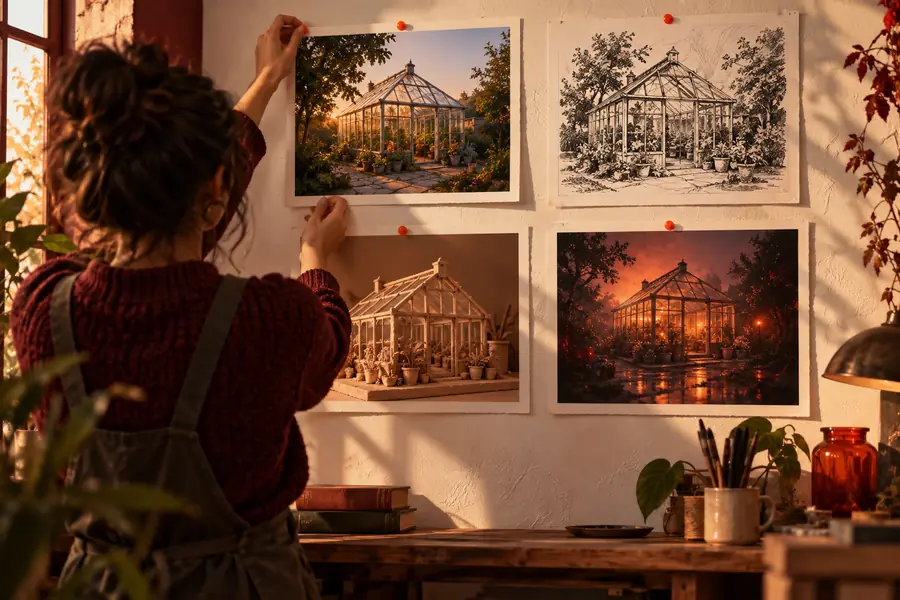
A useful comparison records the actual prompts and outputs from your own attempts. Without that record, two images cannot show which instruction caused a difference.
At a glance
One-off generation
An idea written for the current image
Repeatable workflow
A brief saved for later use
One-off generation
Added as they come to mind
Repeatable workflow
Grouped by subject, setting, style, and composition
One-off generation
Often rewritten from scratch
Repeatable workflow
Based on a specific change to the previous brief
One-off generation
Results judged from memory
Repeatable workflow
Prompts and outputs kept together
One-off generation
Possible if the prompt was saved
Repeatable workflow
An explicit part of the process
One-off generation
No exact result promised
Repeatable workflow
No exact result promised
Ways to apply it
The same prompting method can support different visual tasks. Choose the route that matches the material you have and the image you want to make.
You need several illustrations that feel related without depicting the same scene.
Keep a shared palette and style in the brief while changing the subject for each image.
image generation prompt examplesYou are testing visual directions for a campaign concept.
Hold the subject constant and compare deliberate changes to setting or lighting.
ai image generator from text freeYou have an existing image that communicates a useful composition.
Use it as a reference for exploration while checking that you have permission to use it.
ai image generator from imageYou know what you want to depict but are unsure how to describe it.
Begin with the subject and setting, then add style and framing after reviewing the first result.
How to do image generation?Try the method
Describe the subject, setting, style, and framing. After you see a result, keep what works and change one detail for your next attempt. That simple record is more useful than trying to find a perfect prompt in one pass.
Common questions
Here, skill means a practical method for writing, testing, and reusing image prompts. It is not a separate model or an installable feature.
No. You can begin by describing a subject and setting in ordinary language. Being able to spot what you want to change in the result is more important than knowing technical art terms.
Keep the instructions that produced useful parts of the image. Change one detail, such as the framing or lighting, and compare the next result with the previous one.
A saved prompt preserves your instructions, not an exact image. Treat it as a starting brief and keep a copy of any output you need to reference precisely.
An existing image can help you identify the composition, mood, or colors you want to describe. Whether you can submit that image as an input depends on the tool you use, and you should have permission to use the reference.