Social media creator
You need an illustration for a post but have no existing artwork. Describe the subject, mood, and space needed for a caption.
A draft visual you can assess for clarity and fit.
ai image generator from text freeCreate with Imagegen
With imagegen ai, you describe the image you want in words and review the result. Start with a subject, setting, style, and composition; then change one detail at a time if the first image misses the mark.
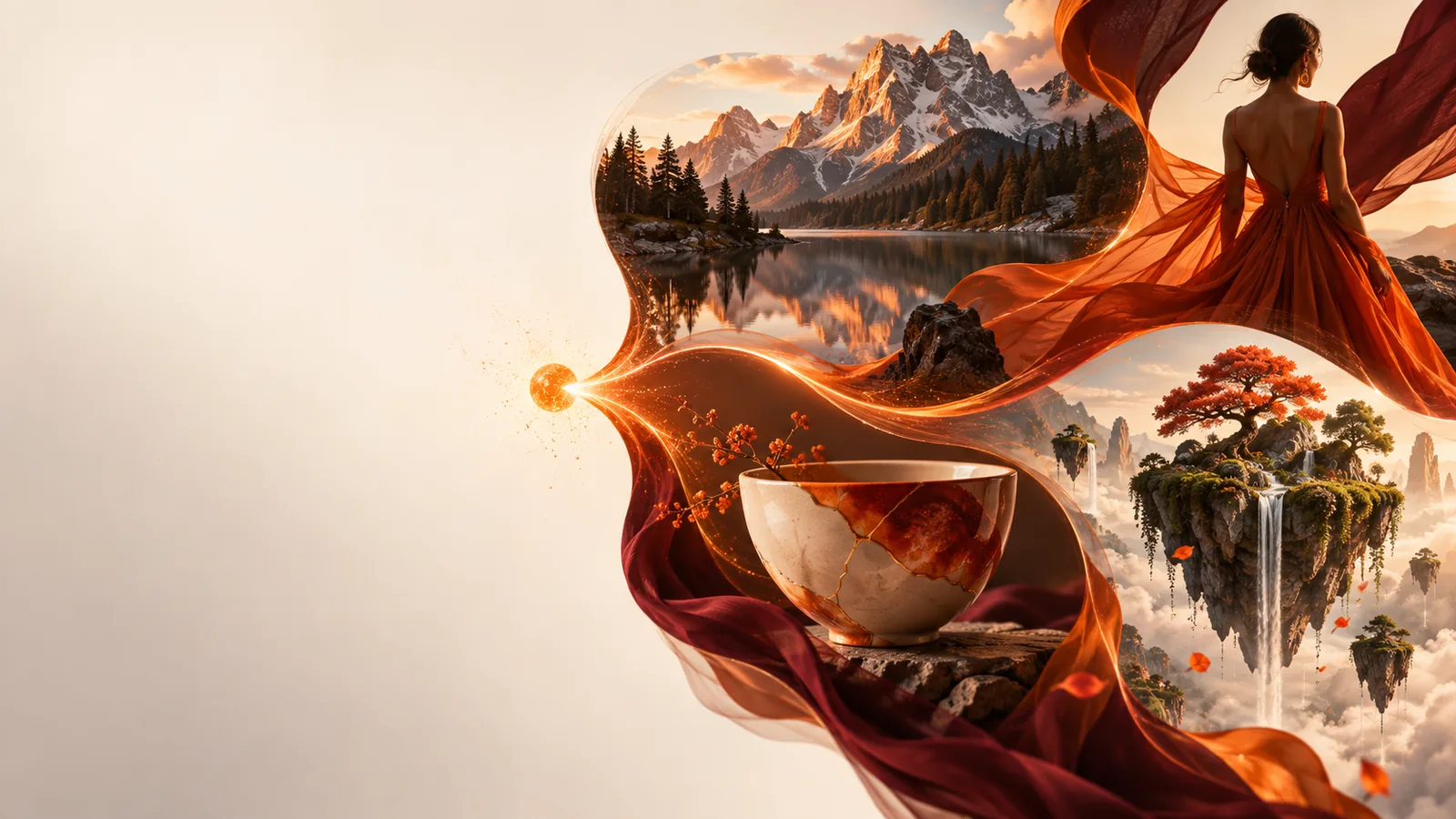
You need an idea, not a finished design. Decide what the image should show and where you plan to use it before writing the prompt.
Start with a written description and refine the resulting image.
Use concrete prompt patterns when a blank text box feels too open-ended.
Explore a reference-led workflow when words alone cannot convey the look you want.
Match the prompt to the job. Each of these starting points benefits from a different level of visual detail.
You need an illustration for a post but have no existing artwork. Describe the subject, mood, and space needed for a caption.
A draft visual you can assess for clarity and fit.
ai image generator from text freeYou want to explore campaign imagery before arranging a photo shoot. Name the product category, setting, lighting, and intended audience.
Concepts that help you decide which direction is worth developing.
image generation prompt examplesYou have a visual reference and want to investigate a related direction. Identify which elements should carry over and which should change.
A clearer brief for reference-based exploration.
ai image generator from imageYou want to understand the process before writing a detailed brief. Begin with a simple subject and add constraints after seeing a result.
A manageable first attempt rather than an overloaded prompt.
How to do image generation?Here is a complete way to turn a rough idea into a prompt you can test, inspect, and revise.
Suppose you need a coffee-shop image. Enter: A quiet neighborhood coffee shop at sunrise, warm window light, candid editorial photograph, wide composition, no visible text. The subject, setting, light, and framing each have a job.
Check whether the shop is recognizable, the lighting supports the mood, and the framing leaves enough space for its intended use. Look closely at hands, signs, and other details that may appear inconsistent.
If the scene feels crowded, ask for an empty foreground while keeping the rest of the description. Changing one instruction makes it easier to judge what improved and what still needs work.
A written brief and an image serve different purposes: the brief defines what to request, while the visual gives you something concrete to evaluate.
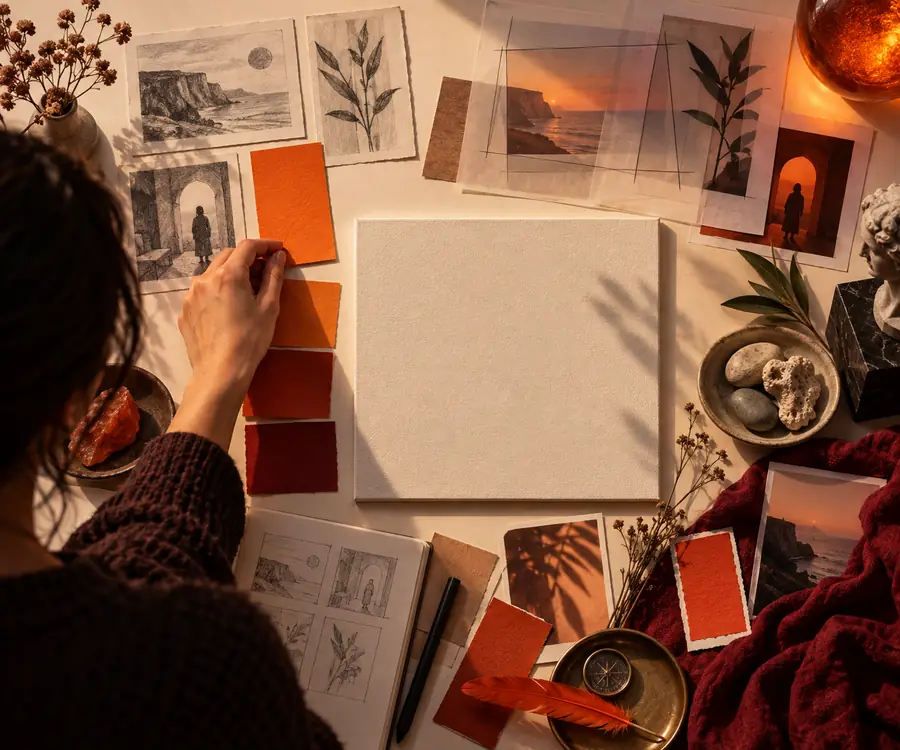
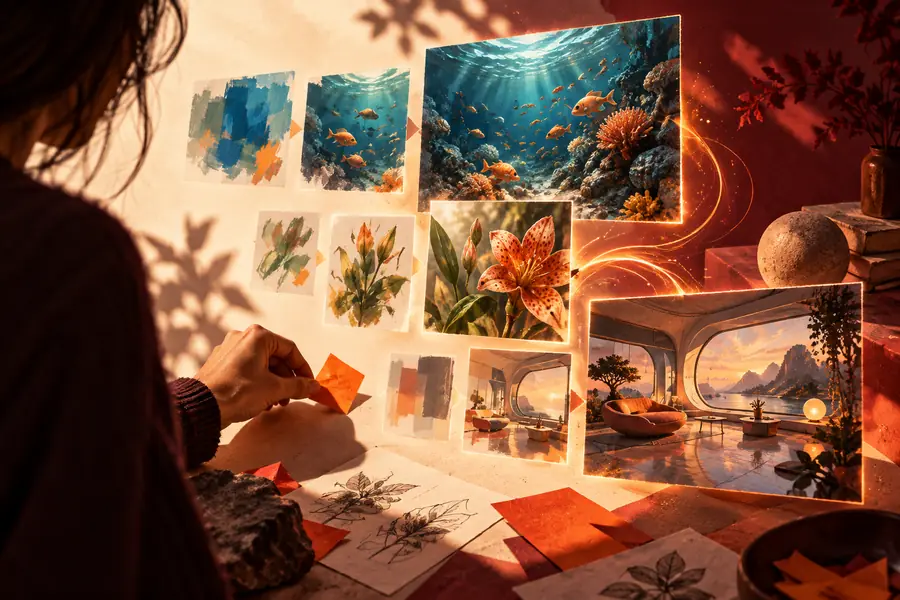
These images illustrate two stages of the workflow; they are not a verified before-and-after generation pair. Compare a result with your own prompt before deciding whether it is usable.
Imagegen can help explore a visual idea, but a generated draft is not automatically ready to publish.
Letters on signs, labels, and packaging may be misspelled or distorted. Do not rely on a generated image for essential copy.
WorkaroundRequest a composition without visible text, then add verified wording in your design editor.
A convincing image can still depict inaccurate equipment, locations, clothing, or anatomy.
WorkaroundCheck important details against reliable references and revise or replace anything misleading.
Describing a visual identity does not ensure consistent colors, logos, or layouts across multiple results.
WorkaroundUse the output as a concept and apply approved brand elements separately.
A generated appearance does not establish consent or usage rights for recognizable people, protected marks, or source material.
WorkaroundReview the subject, your inputs, and the intended use before sharing an image publicly.
Start with one specific scene, inspect the result, and revise the detail that matters most. A short, testable prompt is more useful than a long list of conflicting instructions.
It is used to explore images from written descriptions, such as illustrations, mood boards, and early campaign concepts. The result still needs a human review for accuracy and suitability.
Name the main subject, its setting, a visual style, and any important framing. For example, specify a wide editorial photograph rather than simply asking for a nice picture.
Yes. Describe the single change you want, such as softer light or more empty space, while keeping the details that worked. Review the new result rather than assuming the requested change was followed exactly.
Not necessarily. Check every visible word, especially on signs, labels, and packaging. If the wording matters, it is safer to add it after generating the visual.
Treat it as a draft until you have checked visual details, recognizable subjects, and the requirements of its intended use. Make any necessary edits before publishing or sharing it.